
GREAT VALUE

ALL-IN-ONE


Item added to your cart
Waiting for your Theradome to arrive? You can easily track your shipment and manage delivery options using your order information and UPS tracking number.
If you don't have your tracking number handy:

Theradome orders are shipped via UPS.
Please note:
If you would like UPS to:
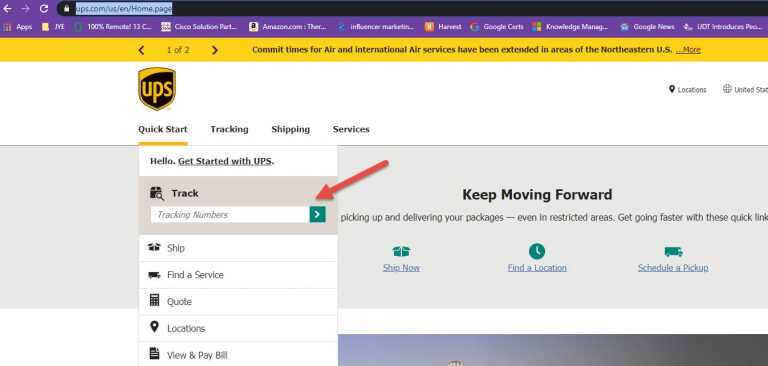
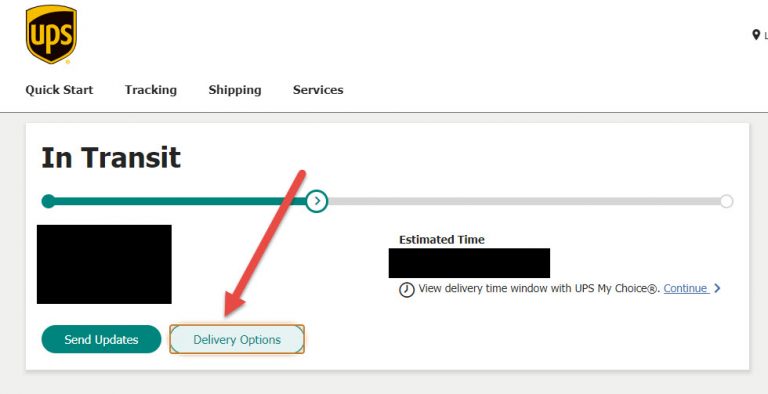
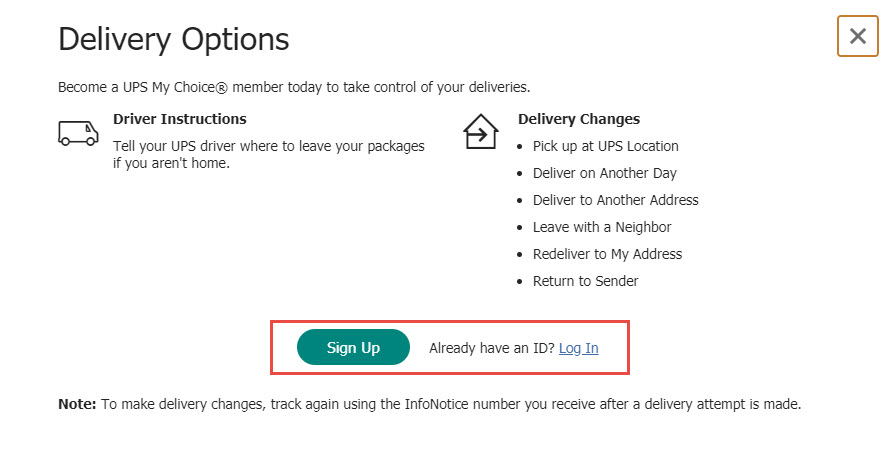
To access these options, use your UPS tracking number and follow the steps below.
 Important:
If you plan to modify delivery instructions, request a signature waiver, or change your delivery location, keep your tracking number available, as it may be required during the process.
Need Additional Help?
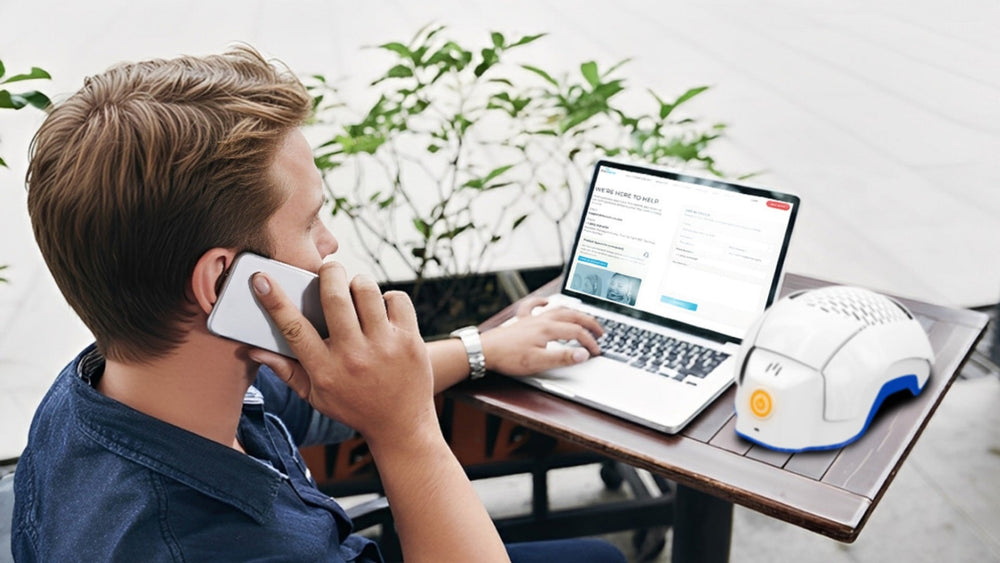
If you have questions about your order status or delivery, please contact our support team.
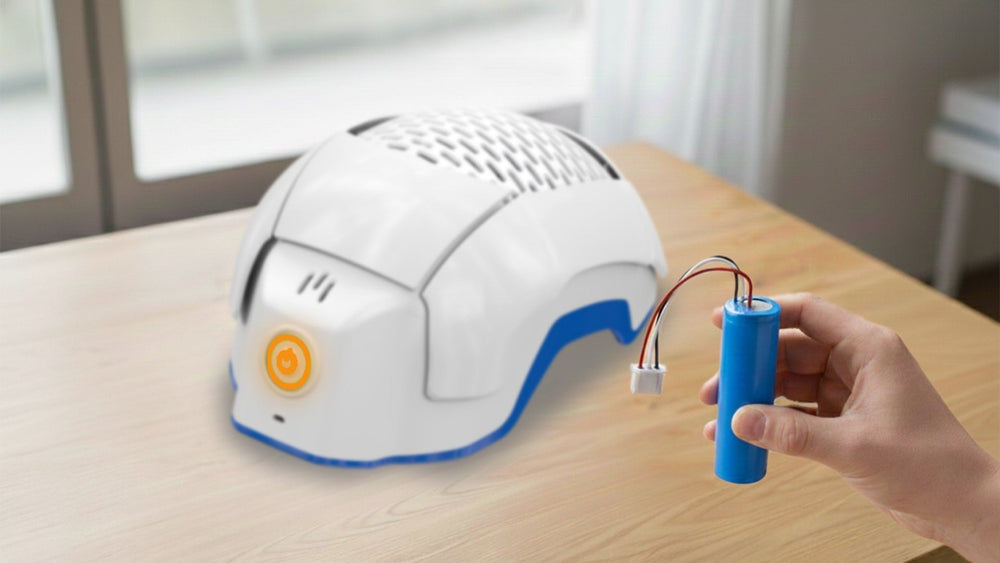
How To Replace Battery
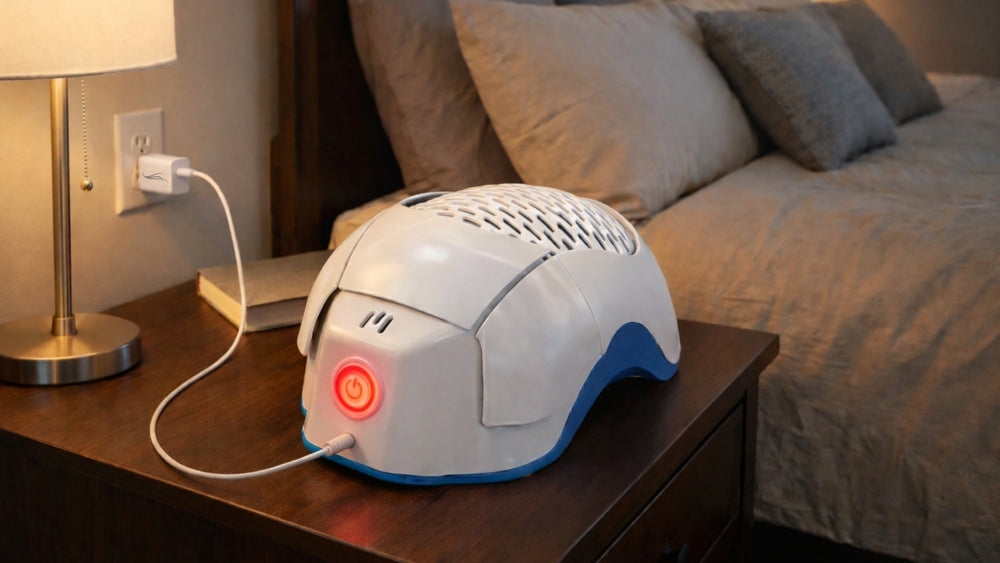
What to do when you get a ‘Battery Low’ on your Theradome
Adjusting Helmet Sound on your Theradome
Getting out of System Pause on your Theradome
Best Way to Clean your Theradome
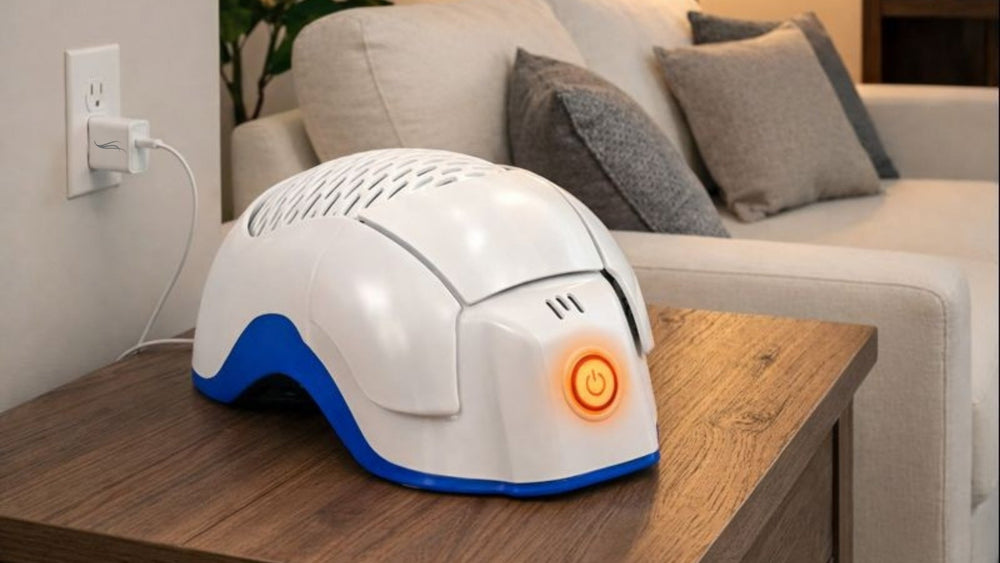
What To Do When Your Theradome Does Not Turn On or Charge
How To Register Your Theradome Manufacturer’s Warranty
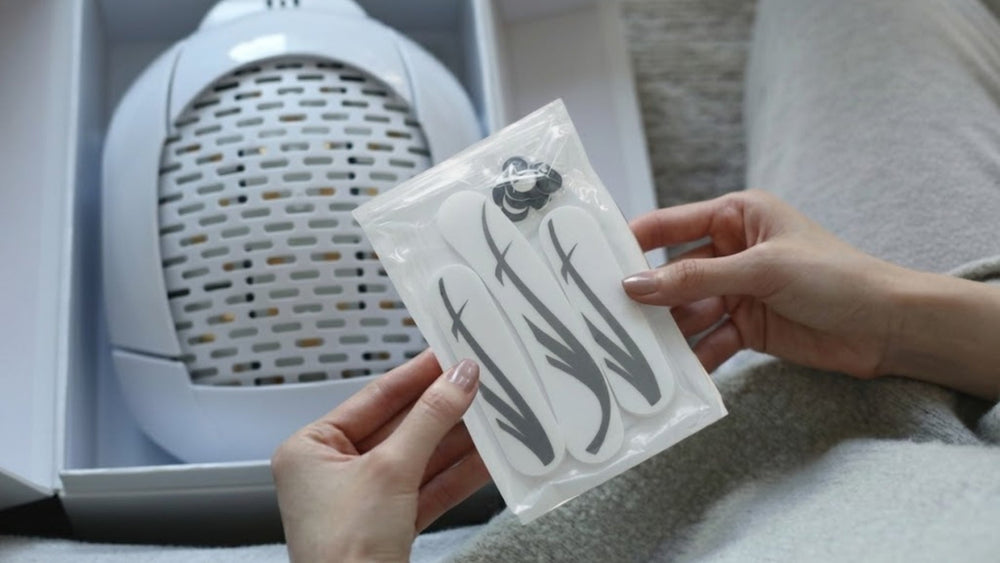
How to Install Foam Pads on Your Theradome
What to do when you receive a Laser Error message on your Theradome
What to do when you receive a “System Error” message on your Theradome
What to do if the master switch is flashing red on your Theradome
What to do when you are getting a temperature error on your Theradome

Both FSA (Flexible Spending Account) and HSA (Health Savings Accounts) can be used to buy FDA-cleared medical devices, like a Theradome. If you have been diagnosed with Androgenetic Alopecia you should be able to use both a FSA/HSA accounts to purchase the Theradome. To check eligibility, review your employer’s benefits package or contact your HR department for FSA. For HSA, check your health plan details to ensure it qualifies as an HDHP and verify other eligibility criteria.
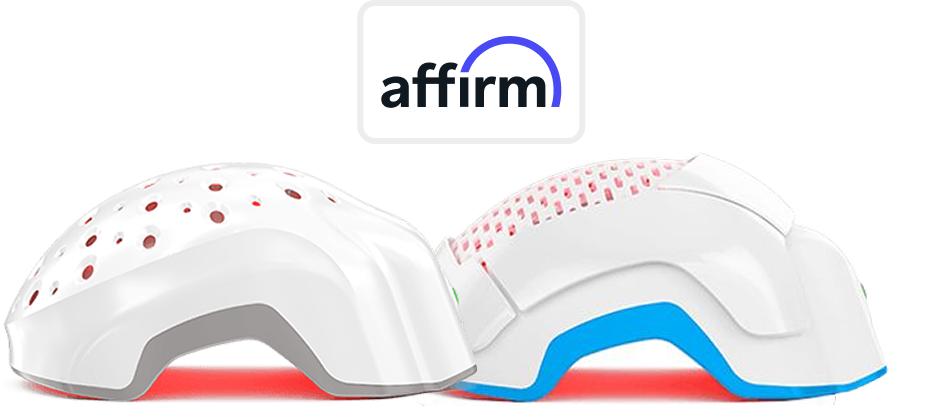
Make your Theradome purchase more manageable with our convenient Affirm financing methods.
How it works
Select Affirm at checkout to see your personalized payment options.

The Complete Hair Recovery System:


The Complete Hair Recovery System: